
What is the Guru IPTV App?
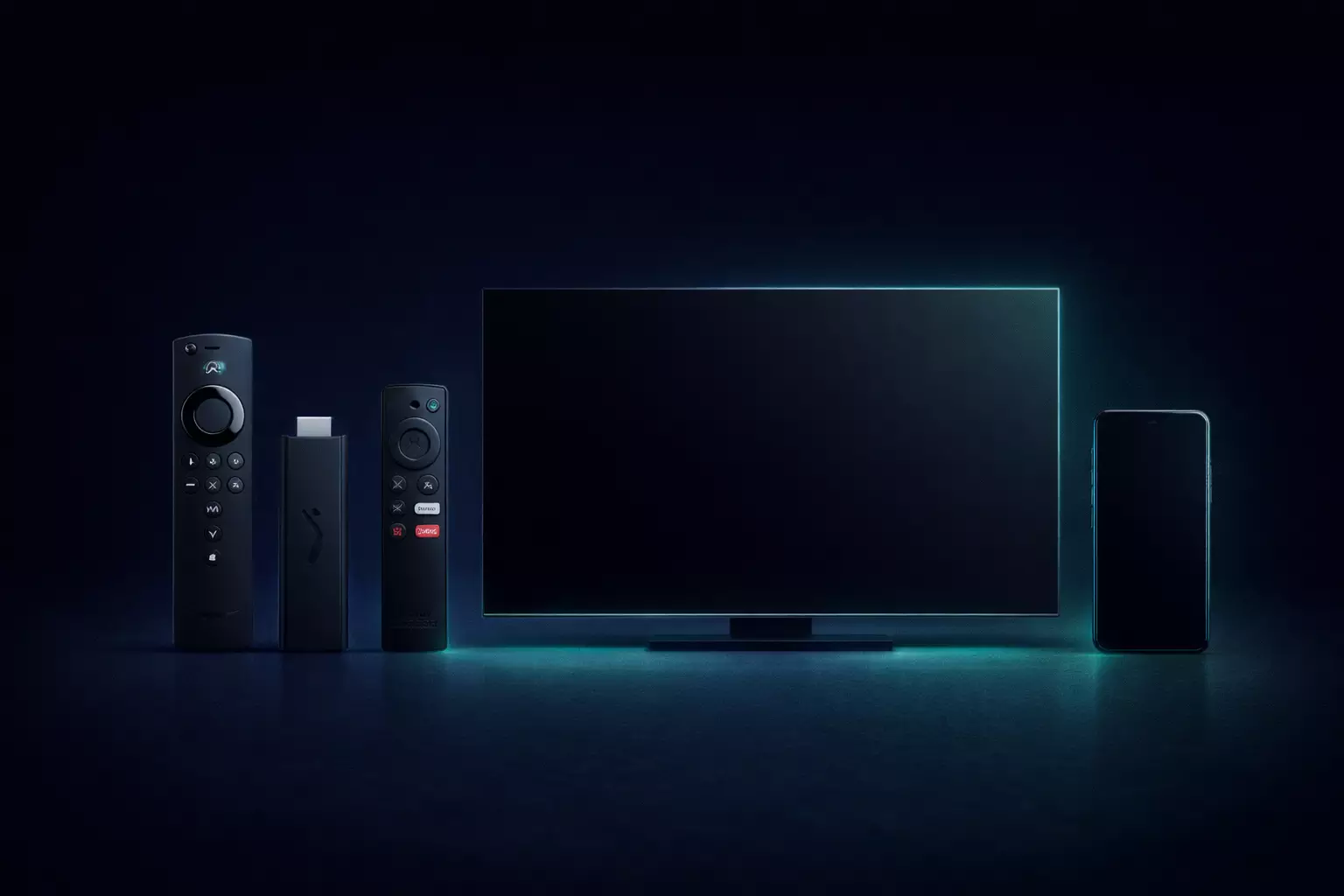
The Guru IPTV App is the free player made for Guru IPTV subscribers. Instead of copying a server address, username and password into a third-party player, you enter one 8-digit setup code and your Hindi, Urdu, Punjabi, Tamil, cricket and movie channels load on their own. It runs on Firestick and Android, on Windows, Mac and Linux computers, and in the web browser of Samsung and LG TVs, iPhones and iPads.
Download the app for your device
Links always fetch the latest release.
How to sign in with your setup code
- Install or open the app using the button for your device above.
- On the welcome screen, choose “I’m a Guru IPTV customer”.
- Type the 8-digit setup code our team sends you on WhatsApp once your plan or trial is ready.
- Wait a few seconds while your channels, movies and series load, then start watching.
No code yet? Ask for a free 24-hour trial and we will send one.
Installing on Firestick with Downloader
- Install Downloader from the Amazon Appstore.
- In Settings → My Fire TV → Developer Options, allow Downloader to install unknown apps.
- Open Downloader, type 3409190 and press Go.
- Choose Install, then Open, and sign in with your setup code.
Smart TVs, iPhone and iPad
Samsung (Tizen) and LG (webOS) televisions, iPhones and iPads use the browser version. Open the TV’s browser or Safari, go to app.guruiptv247.com, and sign in with the same setup code. On iPhone and iPad, tap Share and then Add to Home Screen so it opens like a normal app.